
CloudService
This guide uses Alibaba Cloud as an example to walk you through obtaining your own public internet address.
For other cloud service providers, please refer to their respective documentation for purchasing and setup instructions.
Benefits of a Dedicated Server
Excellent Performance — MetMessage’s server is only responsible for forwarding messages, with extremely simple logic. With security features disabled, even the lowest-tier or even free cloud servers can easily support over 200 concurrent online users for chat services.
If you are in a region where you can obtain a static public IP, you could even deploy the server on your retired old PC.
Apple Attest security protection can be disabled — this feature is designed to protect publicly accessible server addresses, but your dedicated server is not exposed to the public.
The reward mechanism can also be disabled — your own dedicated server does not need to restrict chat usage or require rewarded logins.
How to Purchase Alibaba Cloud Services
Using Alibaba Cloud 2026 as an example:
Step 1: Go to the Alibaba Cloud website
URL: Alibaba Cloud
Log in via QR code: Use the Alipay app to scan the QR code and log in.
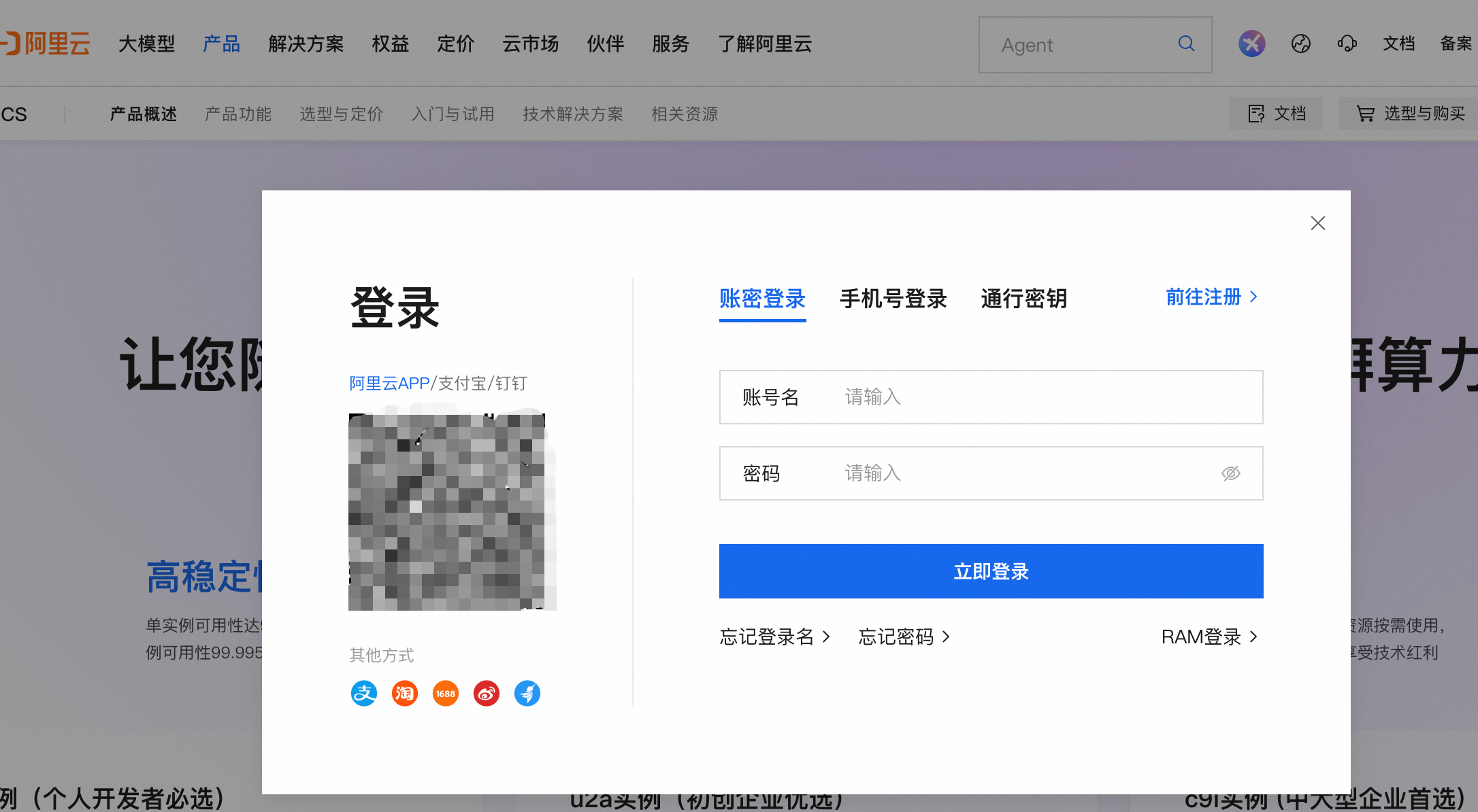
Step 2: Select a product, as shown below.
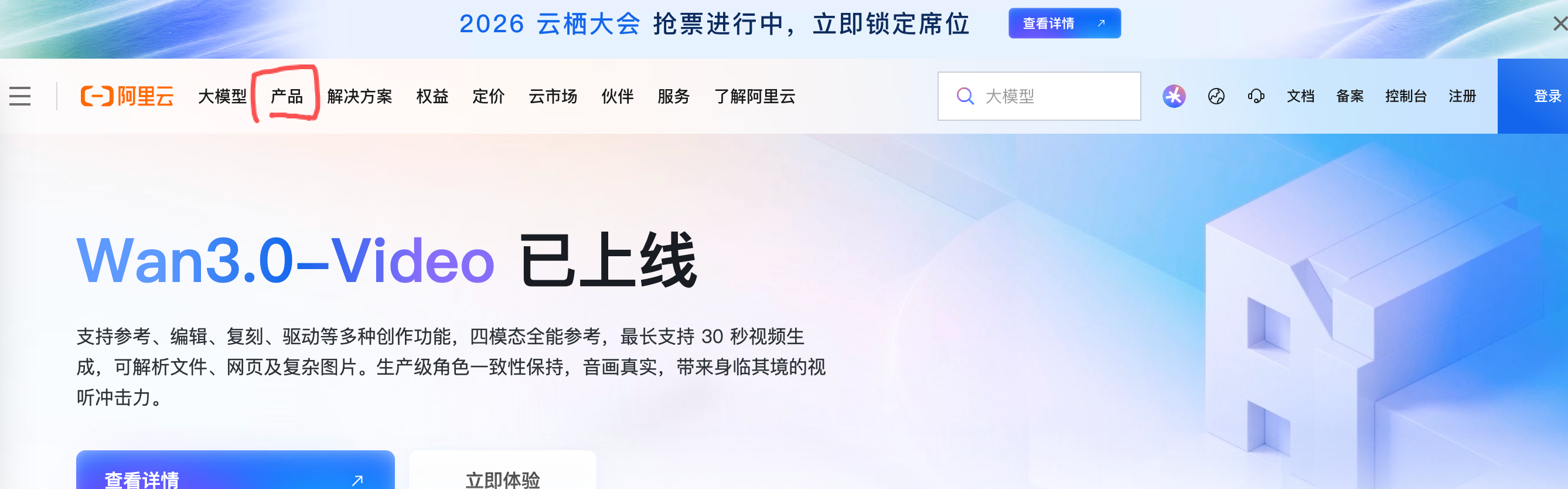
Scroll down and select Elastic Compute Service (ECS).
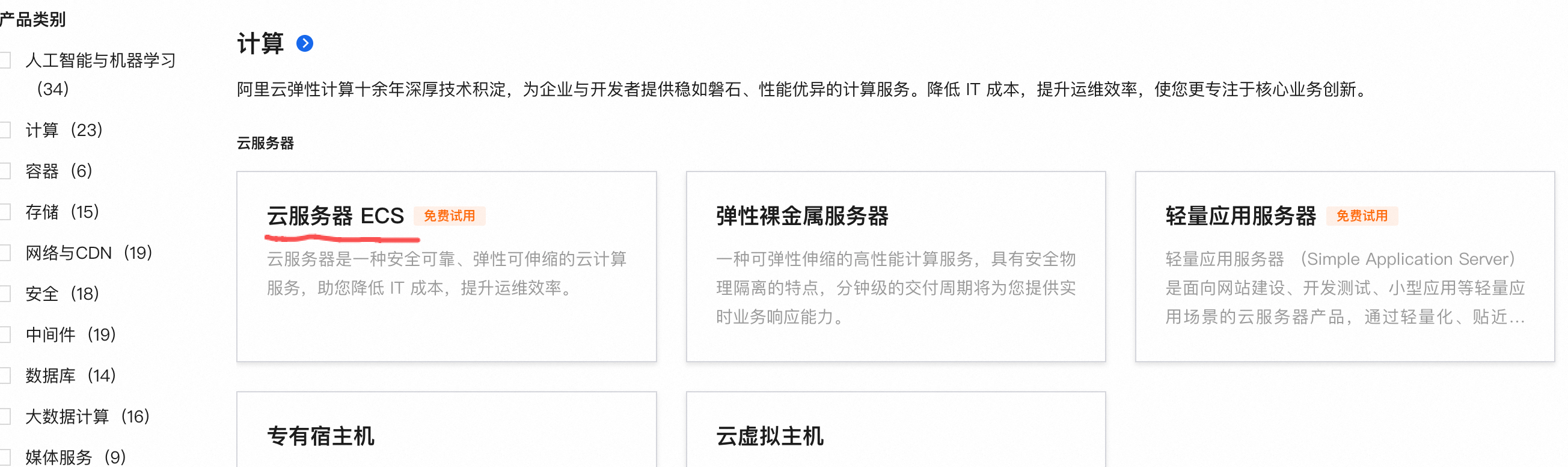
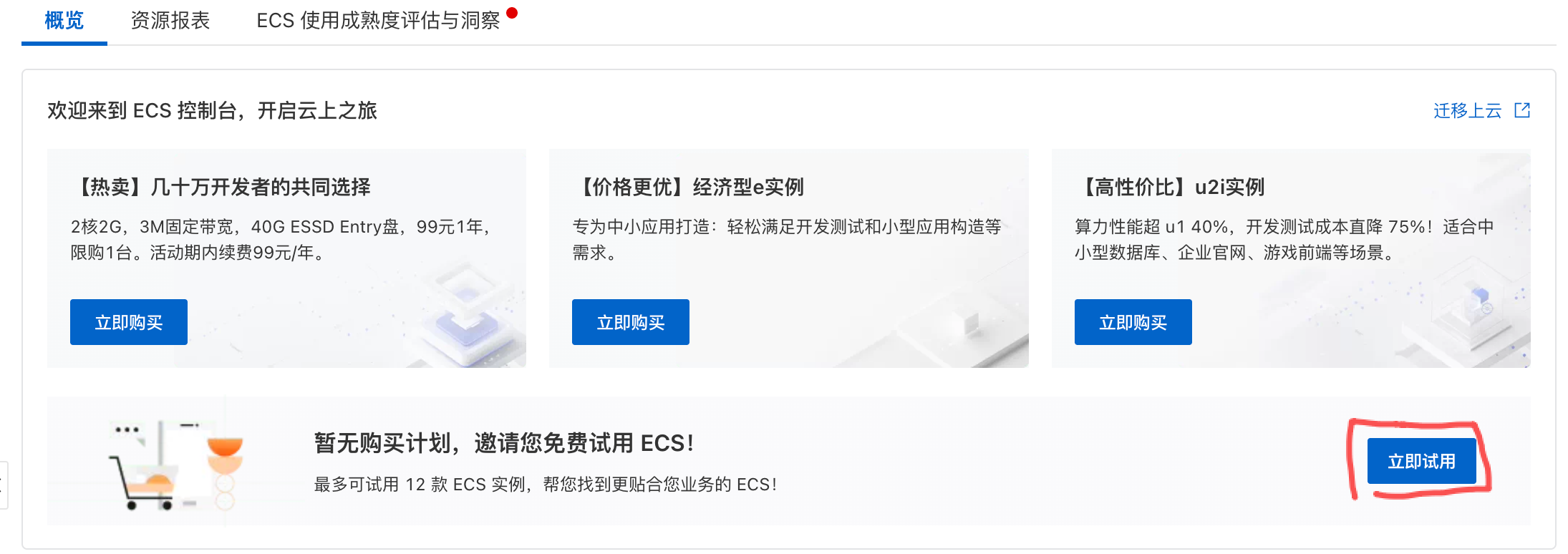
Choose the free tier (this guide uses the free tier as an example).
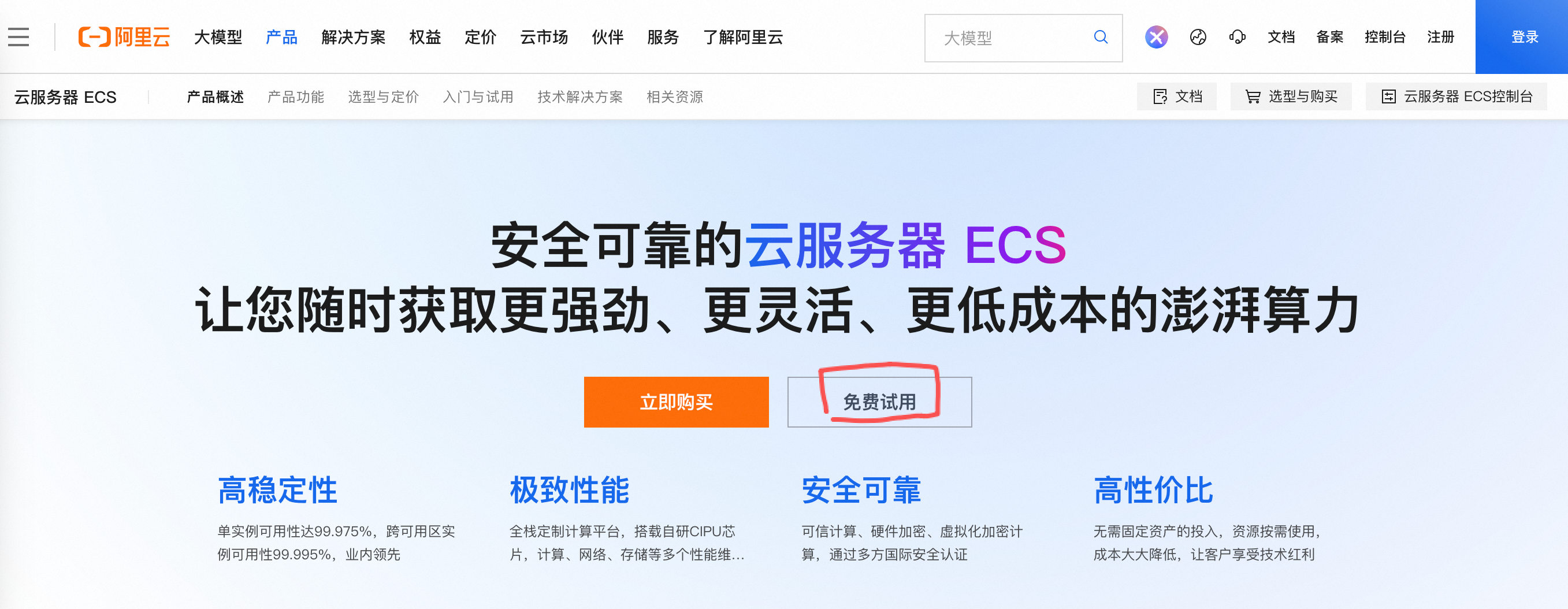
Click “Try Now”.
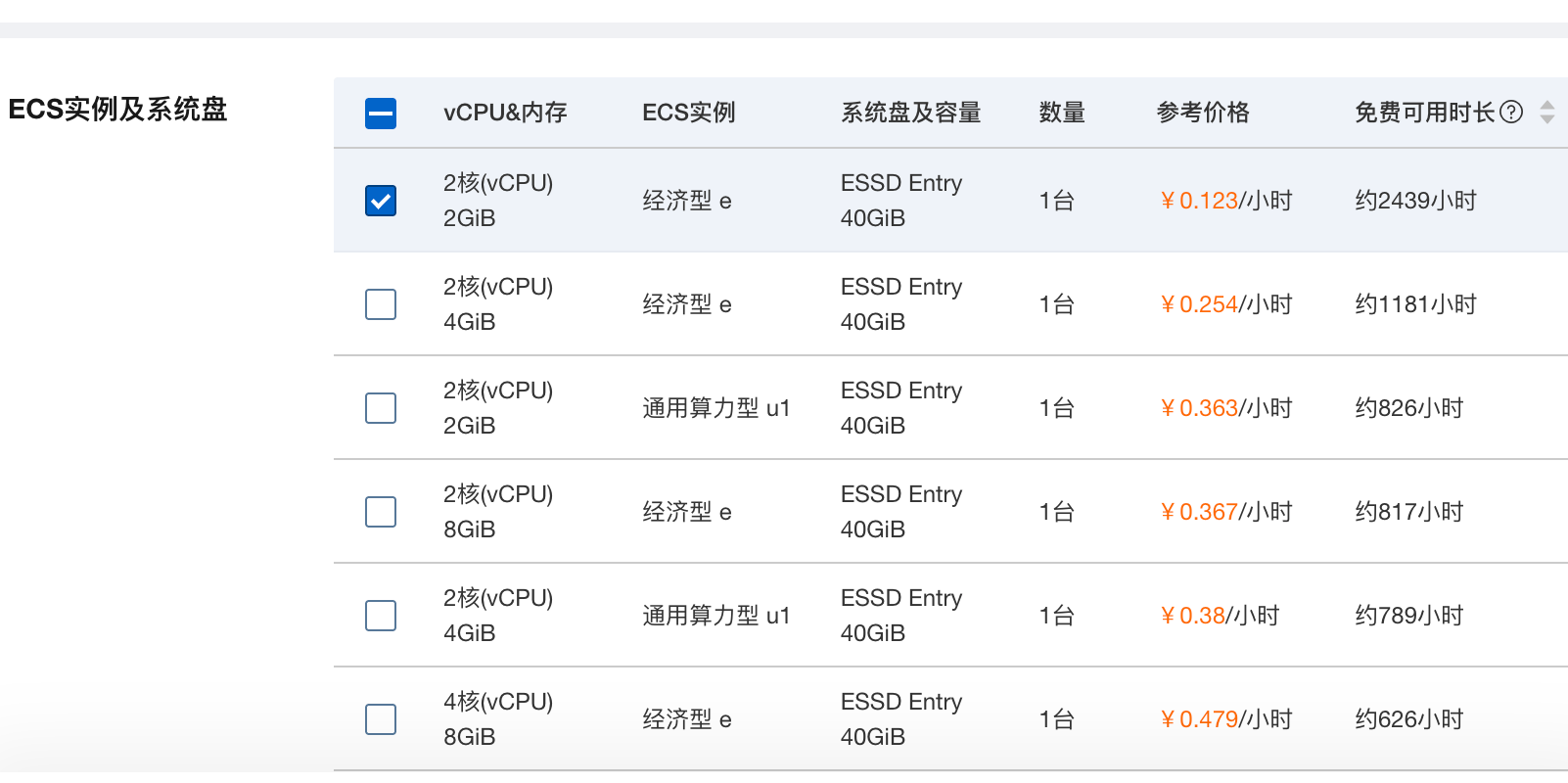
When creating your ECS instance, you can choose from several free-tier options. Select the lowest-spec free configuration to maximize the usage duration.
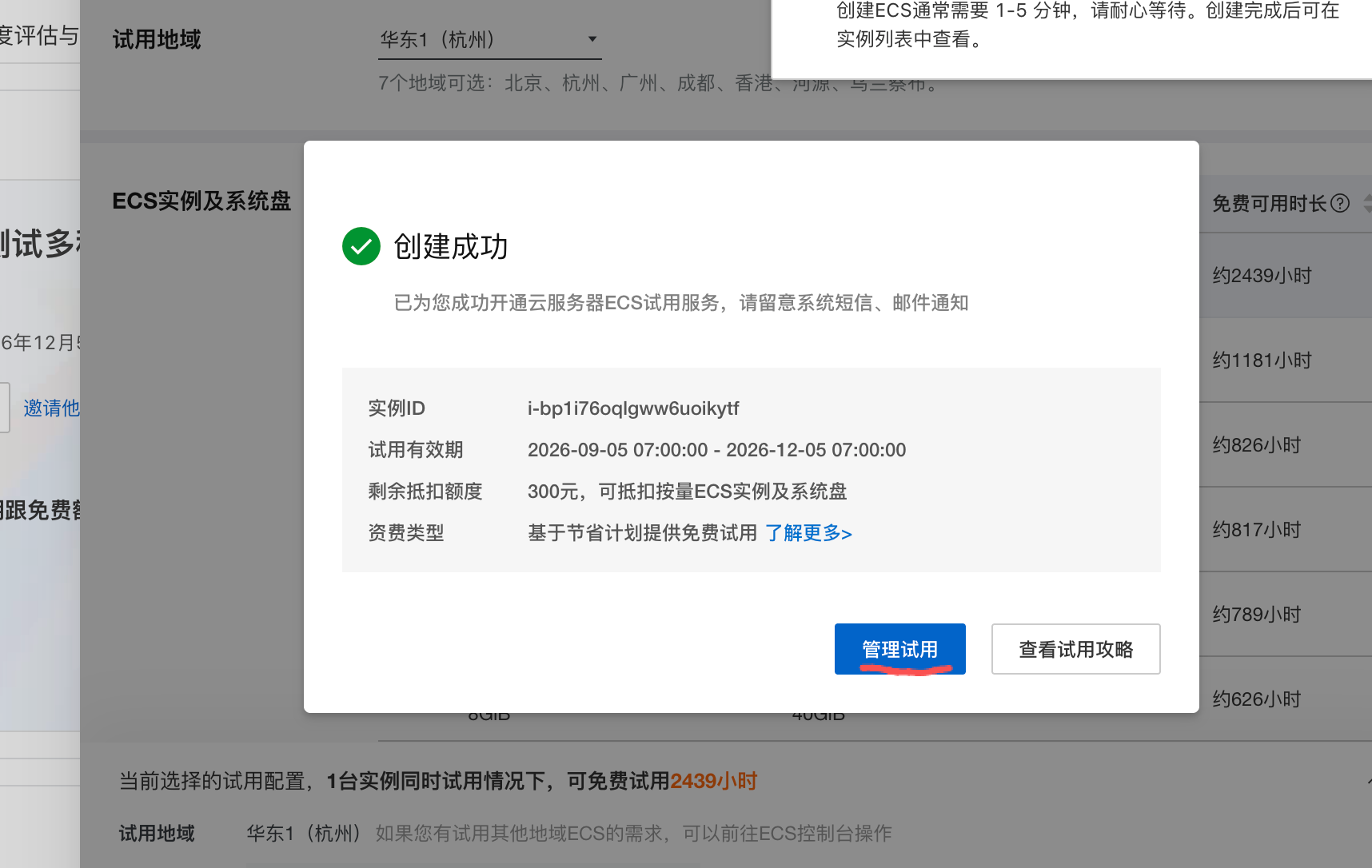
The page will notify you to wait for the instance creation to complete. Once finished, immediately proceed to manage your ECS instance, as shown below:
Step 3: Install Java on the server
Since the server application is a Java application, Java must be installed.
On the management page, find and click “View All Extensions” in the bottom-right corner.
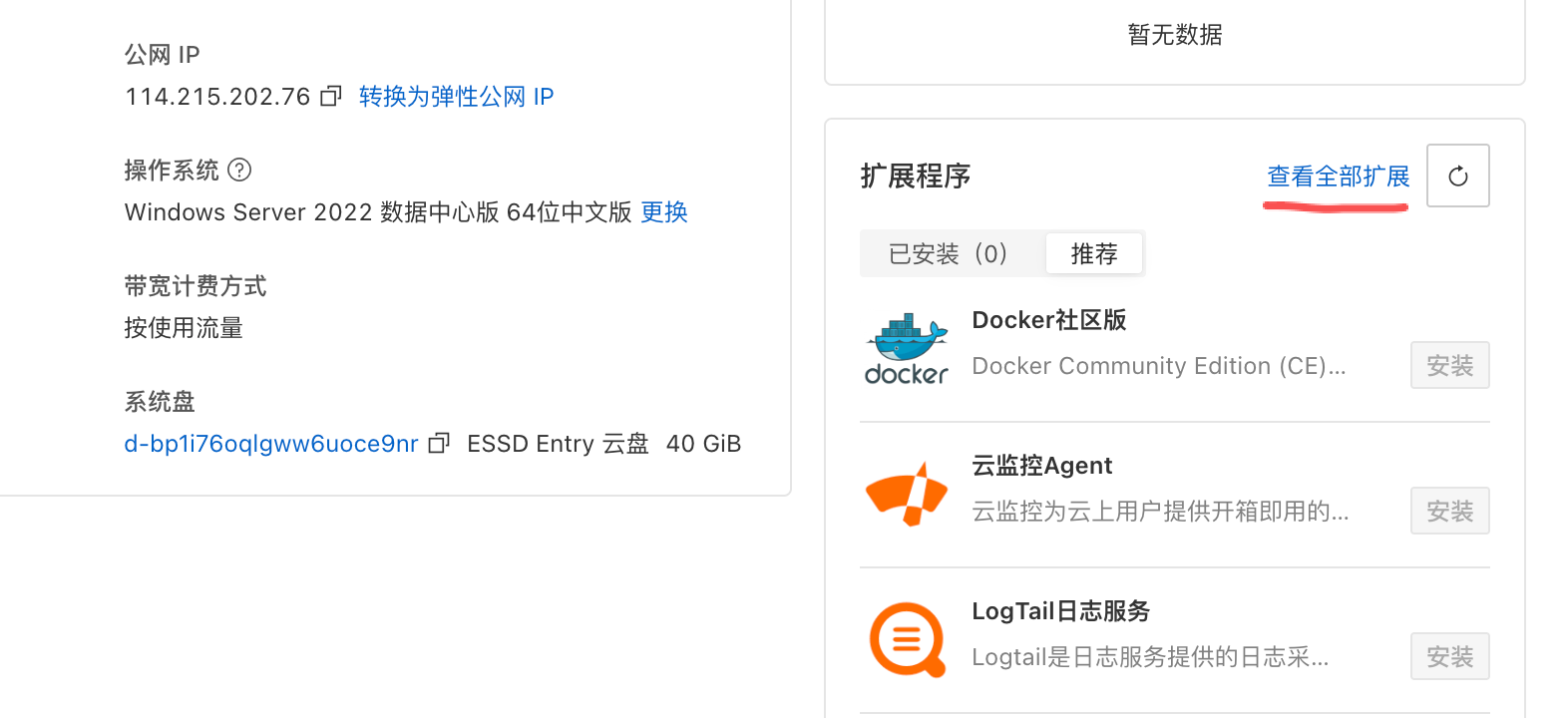
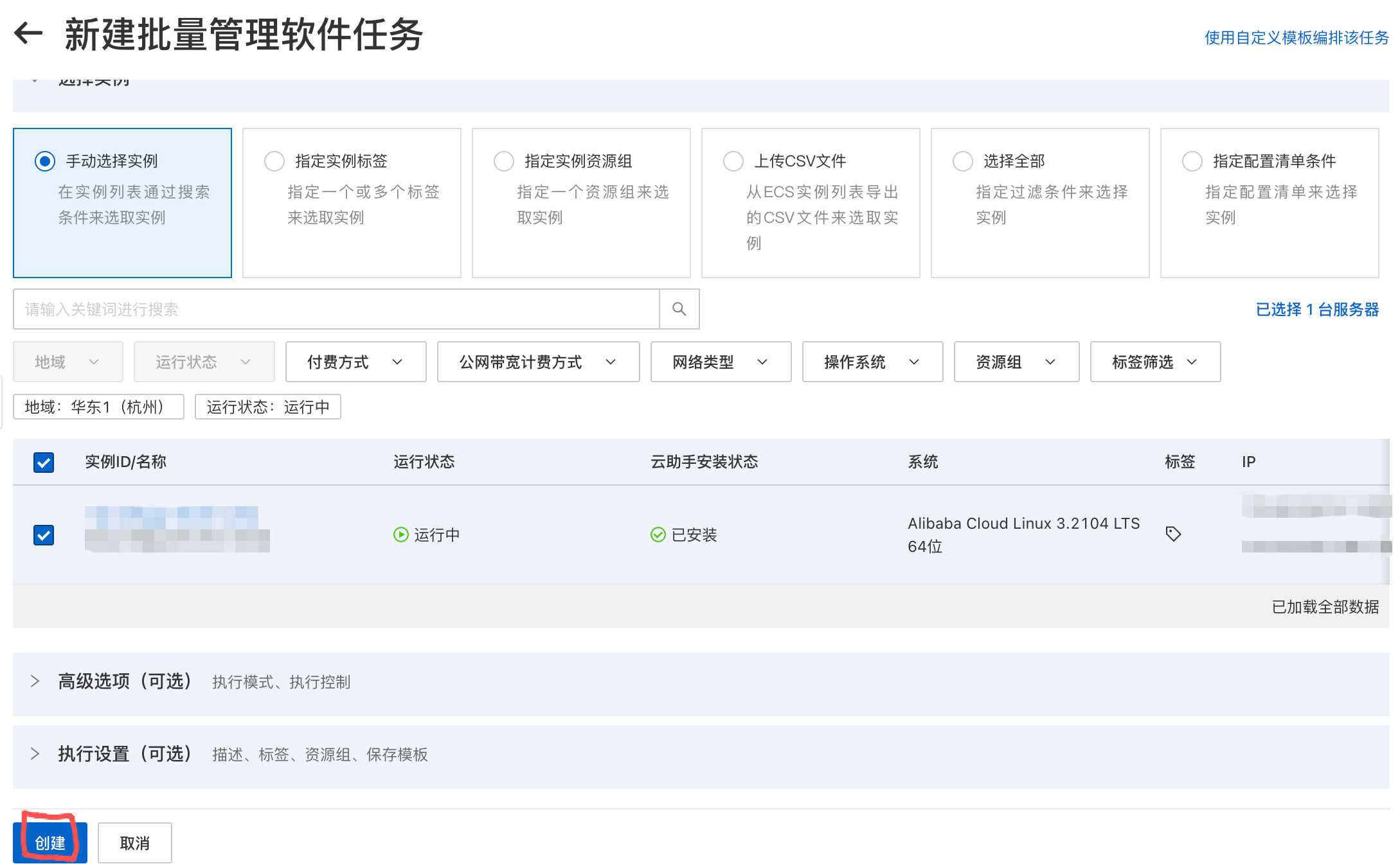
Find Java in the extensions list and click “Install Extension”.
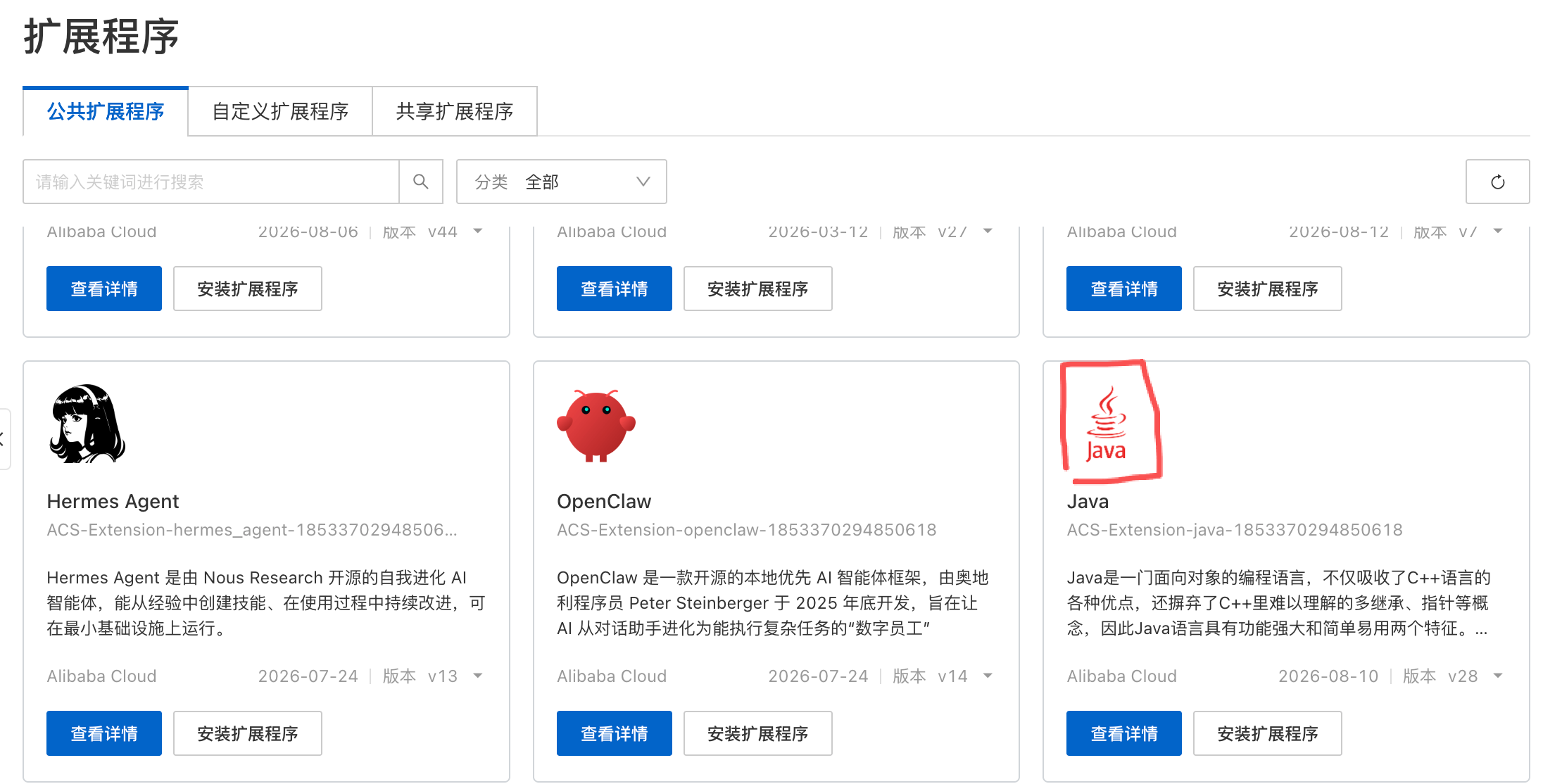
Select JDK 17. If you are using a custom-compiled server, choose the JDK version that is compatible with your build.
Verify Java installation — check the bottom-right corner of the management page to confirm that Java has been successfully installed.
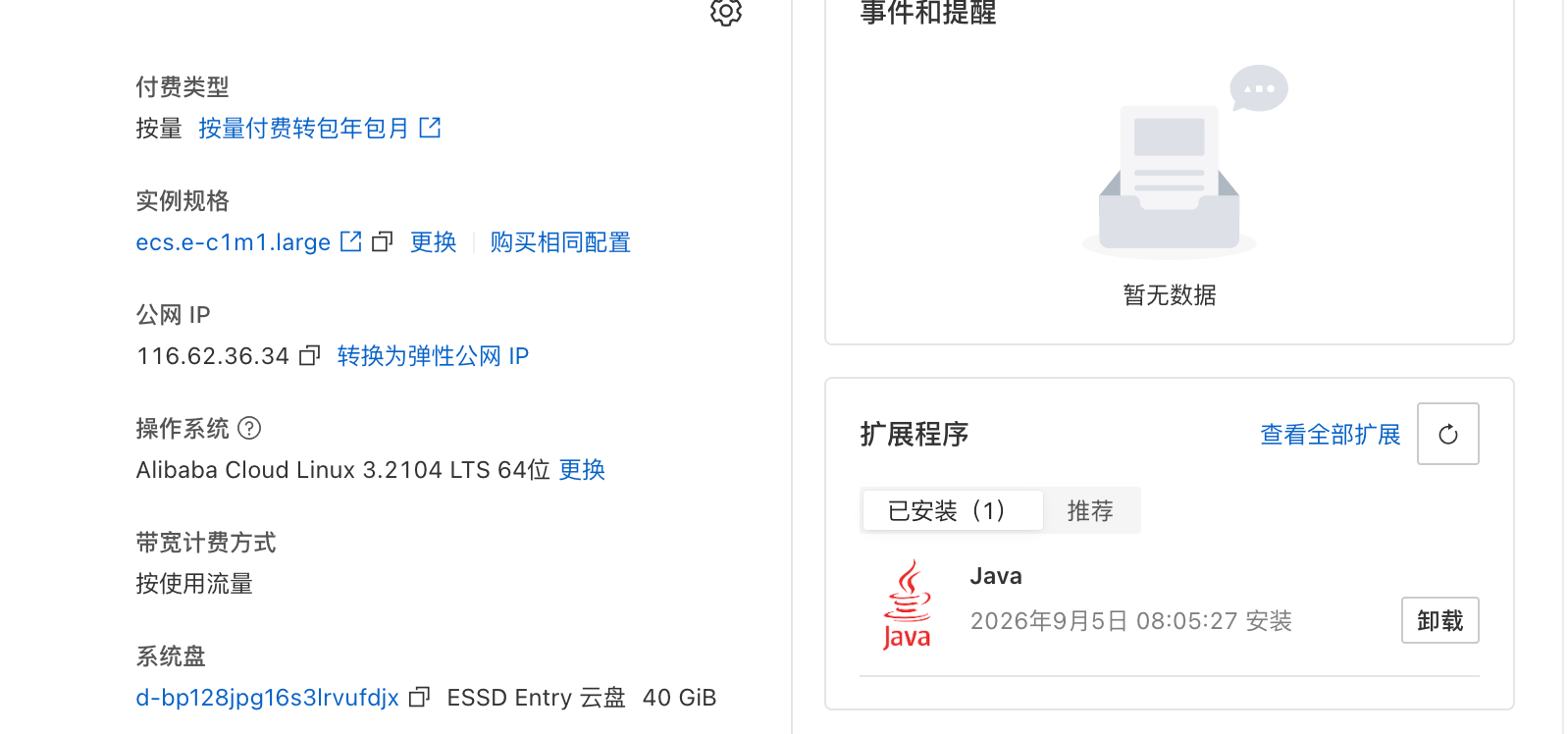
Congratulations! At this point, you have successfully purchased and set up your Alibaba Cloud server.
